
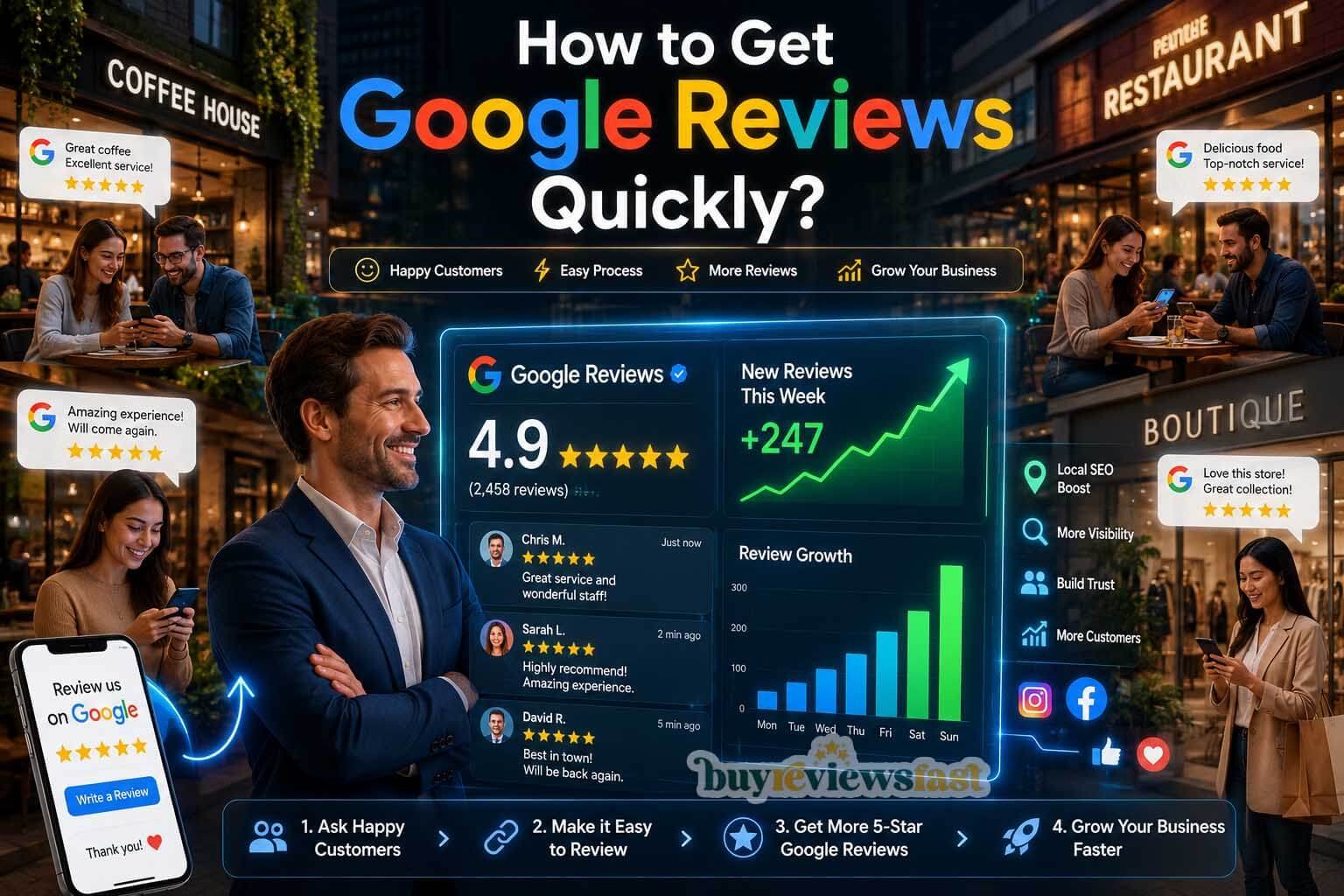
If you run a local business, you already know the feeling. You work hard, your customers are happy, but when someone searches for your services online, your competitor with 200 Google reviews shows up first — and you don’t. It’s frustrating. And it’s unfair.
The good news? Getting more Google reviews doesn’t have to be slow, shady, or risky. There are proven, Google-approved methods that can help you collect genuine reviews quickly — without putting your business listing in danger.
This guide breaks it all down. By the end, you’ll know exactly how to ask for reviews the right way, which tools to use, what mistakes to avoid, and how to stay on Google’s good side while growing your online reputation fast.
Why Google Reviews Matter More Than Ever in 2026
Before we get into the how, let’s talk about the why. Google reviews are no longer just a nice-to-have feature for your business profile. They are one of the most powerful ranking signals in local SEO.
Here’s what the data tells us:
- Businesses with more than 50 reviews earn significantly higher click-through rates in Google Search results.
- Over 87% of consumers read online reviews before choosing a local business.
- Your star rating directly affects how often you appear in the Google local pack — the top three results that show up on maps and search.
- Responding to reviews (both positive and negative) signals to Google that you are an active, trustworthy business.
Simply put, more high-quality Google reviews means more visibility, more trust, and more customers walking through your door. That’s why getting them quickly — but correctly — matters so much.
What Google Actually Allows (And What It Doesn’t)
Let’s clear something up right away. Many business owners are confused about what Google permits when it comes to collecting reviews. Here is a simple breakdown.
What Google Allows:
- Asking customers to leave a review after a purchase or service experience.
- Sending review request emails or text messages to your customers.
- Using a direct Google review link to make it easier for customers.
- Training your staff to verbally remind customers to leave a review.
- Using third-party review management tools that follow Google’s guidelines.
What Google Does NOT Allow:
- Buying fake reviews from any service or individual.
- Offering gifts, discounts, or money in exchange for a review.
- Asking only satisfied customers to leave reviews (called “review gating”).
- Using review stations in your store where multiple reviews come from the same IP address or device.
- Creating fake Google accounts to post your own reviews.
⚠️ Google actively detects suspicious review patterns. Businesses caught violating these policies risk having their reviews removed, their Google Business Profile suspended, or their listing penalized in rankings. The risks are real — and not worth it.
Step 1 — Set Up Your Google Business Profile Properly
Before you start collecting reviews, your Google Business Profile (GBP) needs to be fully set up and verified. A complete profile builds trust with both Google and potential customers, and it makes the review process smoother for everyone.
Checklist for a Complete Google Business Profile:
- Claim and verify your business on Google (via postcard, phone, or email verification).
- Add your correct business name, address, and phone number.
- Choose the most accurate primary and secondary business categories.
- Upload high-quality photos of your business, products, team, and location.
- Write a detailed business description using relevant keywords.
- Add your business hours, website, and any special attributes.
- Enable messaging so customers can contact you directly from your profile.
Once your profile is complete, Google will be more likely to show it in local searches — and customers will be more likely to trust it enough to leave a review.
Step 2 — Create Your Google Review Link
One of the biggest barriers to getting more reviews is simply friction. If it takes a customer more than a few seconds to figure out how to leave a review, most of them will give up. That’s why creating a direct, shareable Google review link is essential.
How to Find Your Google Review Link:
- Go to Google Search and search for your business name.
- Click on your business profile on the right side of the search results.
- Scroll down and click on the “Get more reviews” button (or “Ask for reviews”).
- Copy the link that appears — this takes customers directly to the review box.
You can also get your review link from the Google Business Profile dashboard at business.google.com. Once you have the link, shorten it using a free tool like Bitly or your own branded domain so it looks clean and professional when you share it.
💡 Pro Tip: Save your review link as a shortcut on your phone so you can share it instantly with customers via text, WhatsApp, or email anytime.
Step 3 — Ask at the Right Moment
Timing is everything when it comes to asking for a review. The best moment to ask is right after a positive customer experience — when the customer is happy, the interaction is fresh in their mind, and they are most likely to follow through.
The Best Times to Ask for a Google Review:
- Right after a service is completed: A plumber finishing a job, a salon completing a haircut, or a restaurant checking on a table after the meal — these are all golden moments.
- After a successful customer support interaction: If you resolved a complaint or went above and beyond for a customer, that’s the perfect time to ask.
- When a customer gives you a verbal compliment: If someone says “this was amazing,” that’s your cue to say, “We’d love it if you shared that on Google!”
- After delivery of a product with a positive outcome: A follow-up message a day or two after delivery works extremely well for e-commerce businesses.
Avoid asking for reviews when a customer seems rushed, upset, or during a busy period when they are likely to forget. Context matters. A well-timed, personal request converts far better than a generic mass email.
Step 4 — How to Ask (Scripts That Actually Work)
Most businesses never get reviews simply because they don’t ask. And those that do ask often do it awkwardly, which kills the conversion. Here are proven, natural ways to ask that feel genuine — not salesy.
In-Person Script (For Retail, Restaurants, and Service Businesses):
“Thank you so much for coming in today! If you had a great experience, we’d really appreciate it if you could leave us a quick Google review. It helps other people find us and supports our small business. I can send you the link right now if you’d like!”
Text Message Script:
“Hi [Name], thank you for choosing [Business Name]! We hope everything went well. If you have a spare moment, we’d love a Google review — it means the world to us. Here’s the direct link: [your review link]. Thank you!”
Email Script:
Subject: How was your experience with us? Hi [Name], Thank you for visiting [Business Name]. We truly appreciate your support. If you enjoyed your experience, we’d love to hear about it — and a Google review would help others find us too. It only takes 60 seconds: [your review link] Thank you so much, [Your Name]
WhatsApp / Chat Script:
“Hey [Name]! Hope you’re happy with everything. If you get a chance, a Google review would really help us out — here’s the link: [review link]. Takes less than a minute. Thanks so much! 🙏”
Keep your request short, personal, and always include the direct link. The easier you make it, the more reviews you’ll get.
Step 5 — Use Email and SMS Campaigns Strategically
If you have a customer database, email and SMS are among the most effective ways to collect a high volume of genuine reviews quickly. The key is to make these messages feel personal — not like a bulk marketing blast.
Best Practices for Review Request Emails:
- Send the email within 24 to 48 hours after the customer’s experience while it’s still fresh.
- Personalize the subject line with the customer’s name or the service they received.
- Keep the email short — no more than 3 to 4 sentences plus the review link.
- Send from a real person’s email address, not a generic “no-reply” address.
- Include only one call to action — the review link. Don’t clutter the message.
- Follow up once if you don’t hear back, but never more than twice.
Best Practices for SMS Review Requests:
- Text messages have an open rate of over 90% — use this channel.
- Keep the text under 160 characters when possible.
- Always identify your business name in the message.
- Send the text within a few hours of the service, not days later.
- Use the customer’s first name to make it feel personal.
💡 Tools like Birdeye, Podium, and GatherUp can automate review request emails and texts while keeping messages personalized. Many integrate directly with your CRM or POS system.
Step 6 — Make It Easy With QR Codes
For brick-and-mortar businesses, QR codes are one of the fastest ways to get customers to leave reviews on the spot. You can print them on receipts, business cards, table tents, packaging, or even put a small sign near your checkout counter.
How to Create a Google Review QR Code:
- Copy your Google review link.
- Visit a free QR code generator such as QR Code Monkey or GoQR.me.
- Paste your review link and generate the QR code.
- Download it in high resolution and include it in your printed materials.
Add a short line of text near the QR code such as: “Loved your experience? Scan to leave us a Google review — it takes 30 seconds!” This simple addition can significantly increase review volume over time with zero additional effort on your part.
Step 7 — Respond to Every Review You Receive
This step is often overlooked, but it’s critically important. Responding to your Google reviews does three things: it shows potential customers that you care, it encourages other customers to leave reviews, and it signals to Google that you are an active, engaged business owner.
How to Respond to Positive Reviews:
- Thank the customer by name.
- Mention a specific detail from their review to show you read it.
- Naturally include a relevant keyword related to your business or service.
- Keep it warm, genuine, and brief — two to three sentences is perfect.
How to Respond to Negative Reviews:
- Respond within 24 hours — speed matters here.
- Apologize without being defensive, even if the review seems unfair.
- Offer to resolve the issue offline — include a phone number or email.
- Never argue with a customer in a public review response.
- Stay professional and calm. Future customers will judge your response more than the complaint.
📌 Businesses that respond to reviews are 1.7 times more trusted than those that don’t. It’s one of the simplest things you can do to boost your reputation and your local ranking.
Step 8 — Train Your Team
You can have the best review strategy in the world, but if your team doesn’t know about it, it won’t work. Make collecting reviews part of your company culture — not a one-time campaign.
How to Build a Review-First Culture:
- Brief your team on how and when to ask for reviews during onboarding.
- Share your Google review link with all staff so they can send it instantly.
- Set a team goal for reviews — for example, aiming for 10 new reviews per month.
- Celebrate milestones when you hit certain review counts as a team.
- Avoid pressuring staff to personally ask in ways that feel forced or scripted.
When asking for reviews becomes a natural part of how your team wraps up every customer interaction, the volume builds up organically over time — no campaigns needed.
Common Mistakes That Get Businesses Penalized
Now that you know what to do, here are the most common mistakes business owners make that can result in reviews being removed — or worse, their entire Google Business Profile being suspended.
Mistake #1 — Buying Fake Reviews
This is the biggest risk. Services that promise to sell you 5-star reviews are violating Google’s policies. Google’s algorithm is sophisticated enough to detect unusual review patterns — multiple reviews from the same IP address, accounts with no history, or a sudden spike in reviews. The consequences can be severe: all your reviews removed, your listing suppressed, or your account suspended.
Mistake #2 — Review Gating
Review gating means you only direct happy customers to leave a review while filtering out unhappy ones. For example, sending a survey first and only sharing the Google review link with customers who gave you a positive score. Google explicitly prohibits this. Ask all customers equally, regardless of their expected sentiment.
Mistake #3 — Review Stations on Shared Devices
Setting up a tablet or computer in your business for customers to leave reviews on the spot seems like a good idea, but Google flags multiple reviews coming from the same device or IP address. These reviews are often removed automatically.
Mistake #4 — Incentivizing Reviews
Offering a free coffee, discount, or any kind of reward in exchange for a Google review violates both Google’s policies and FTC guidelines in the United States. Even if the incentive isn’t mentioned in the review, it makes the review biased — and Google considers this manipulative.
Mistake #5 — Ignoring Negative Reviews
Failing to respond to negative reviews signals to Google and potential customers that you don’t care about feedback. It doesn’t make bad reviews disappear — it just makes them look worse.
How to Get Reviews Faster: Advanced Tips
If you’ve covered the basics and want to accelerate your review growth even further, here are some advanced strategies used by the most reviewed local businesses.
- Add your review link to your email signature: Every email you send becomes a passive review request. This alone can generate several reviews per month with zero extra effort.
- Share your reviews on social media: When you celebrate a great review publicly, it encourages other customers to add theirs too.
- Add a review prompt to your website: A simple banner or widget on your homepage or thank-you page with a link to your Google profile can drive consistent review traffic.
- Mention reviews in your invoice or receipt footer: A simple line like “Enjoyed our service? Leave us a Google review!” with the short link works surprisingly well.
- Follow up with long-term customers: Your most loyal customers are your best advocates. Reach out personally — not with a mass email — and ask for their honest opinion.
- Use packaging inserts: For product-based businesses, a small card inside the packaging with a QR code and a friendly message can generate a steady stream of reviews.
How Long Does It Take to See Results?
This is the question everyone wants answered. The honest answer depends on how consistently you implement these strategies, but here’s a realistic timeline:
- Week 1–2: Set up your GBP fully, create your review link and QR code, brief your team, and send your first batch of review requests to existing customers.
- Month 1: If you have a customer database of 100+ people and you ask consistently, you can realistically collect 10 to 30 new genuine reviews in the first month.
- Month 2–3: With automated email and SMS follow-ups running and staff asking regularly, your review velocity builds. Most businesses see meaningful ranking improvements within 60 to 90 days.
- 6 Months+: Consistent review collection becomes part of your business rhythm. You may surpass competitors who’ve been around longer but haven’t been as proactive.
🚀 Remember: consistency beats intensity. Ten reviews per month for six months is far more valuable to your Google ranking than 60 reviews in one week followed by nothing. A steady, natural review pattern is what Google rewards.
Quick Reference: Do’s and Don’ts
| ✅ DO THIS | ❌ AVOID THIS |
| Ask all customers equally for reviews | Buy fake reviews from any service |
| Use a direct Google review link | Offer discounts or gifts for reviews |
| Send personalized email/SMS requests | Set up shared review devices in-store |
| Respond to every review professionally | Gate reviews based on customer sentiment |
| Train your team to ask naturally | Ask multiple times aggressively |
| Use QR codes in your business | Create fake Google accounts |
| Maintain a steady, consistent pace | Try to get 50 reviews in one day |
Final Thoughts
Getting more Google reviews quickly is 100% achievable — and you don’t need to do anything shady to make it happen. The businesses that win at local SEO are not the ones with the most money or the fanciest websites. They are the ones that consistently deliver great experiences and then have the confidence to ask their customers to share those experiences online.
Start simple. Create your review link today. Ask your next three customers. Add the link to your email signature. Put a QR code on your counter. These small actions, done consistently, compound into a powerful review profile that drives real business results — without putting you at risk of Google’s penalties.
Your competitors are probably not doing all of this. That’s your opportunity.
If you found this guide helpful, share it with a fellow business owner who is trying to grow their online reputation. And remember — the best time to ask for a review was yesterday. The second best time is right now.
